page name here

To use, in the main Web menu, click the three dots on the page and click "duplicate" - if it is not available, try going back a few pages.
Type a subtitle here or delete this block. o change the photo, click the settings to the right of this block (looks like sliders). Change the background photo. Make sure tint is selected, parallax is off, and scroll is on.
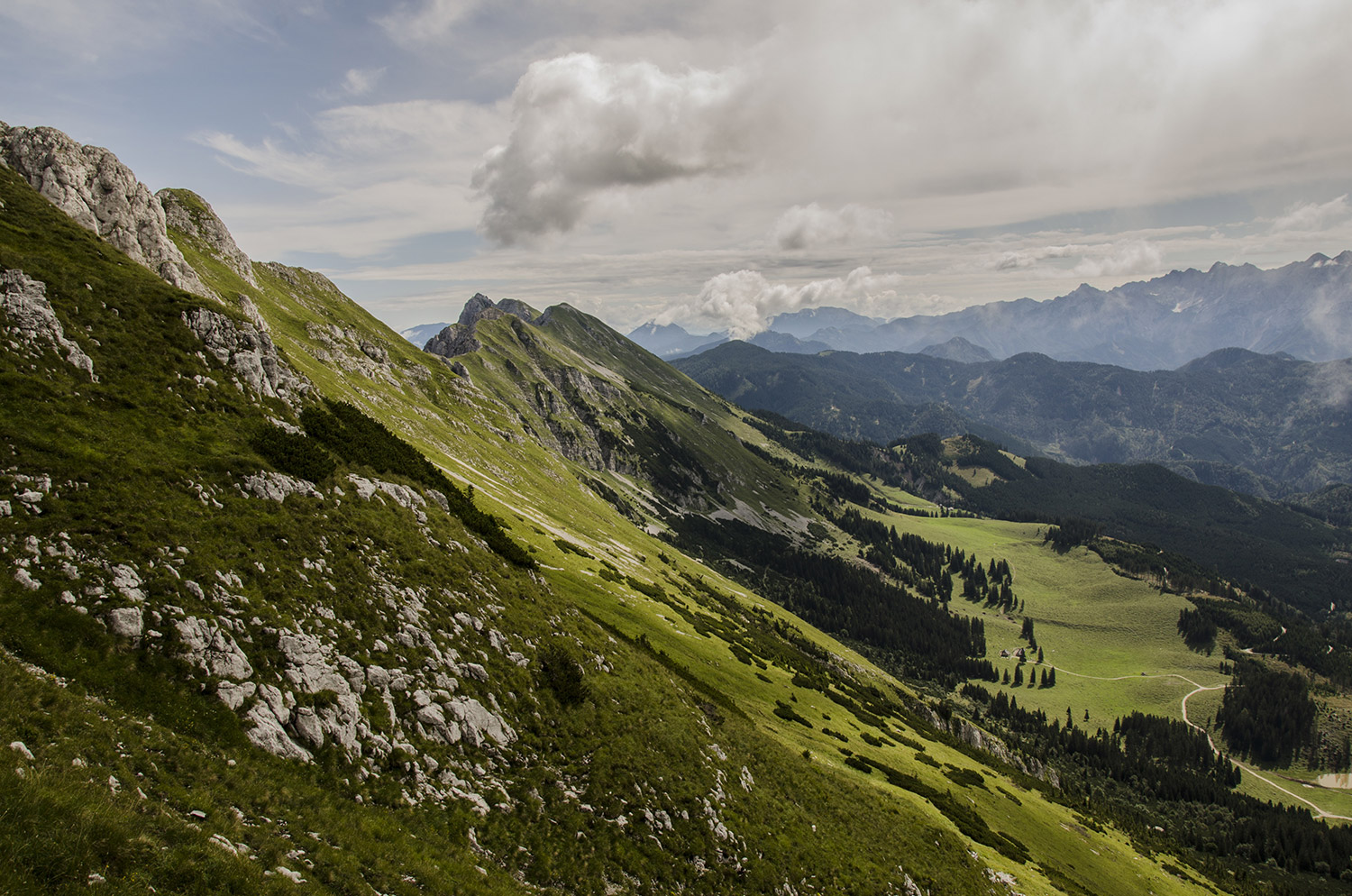
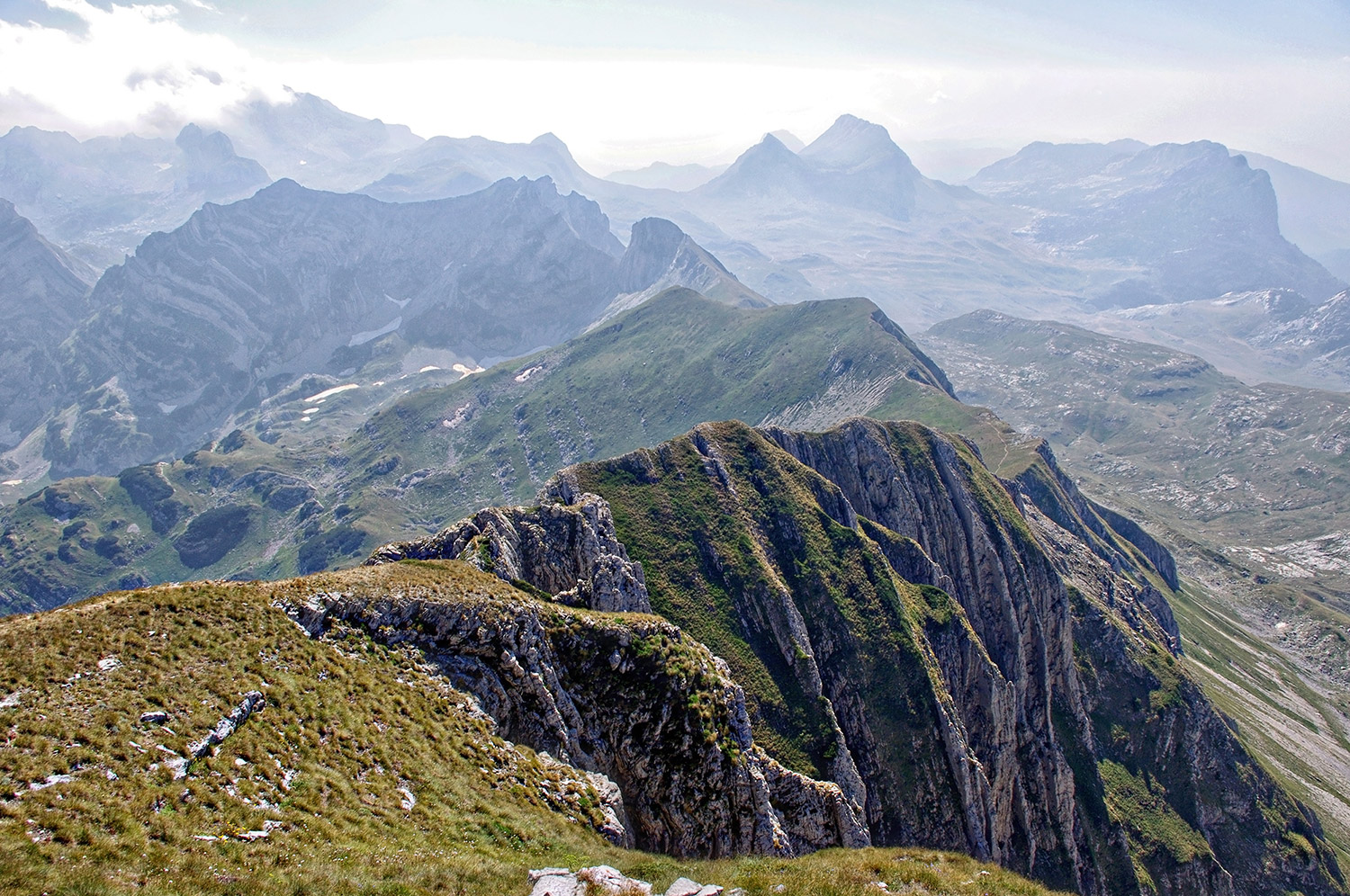
H2 is used to head a detail section

Introduction or explanatory info for detail section
Click on the photo to open the menu
Select photo and click text
to edit the text in the photos
Check the More menu
Tint and zoom in should be on

More options

Do not turn on tint for these, but make sure zoom in is selected

More Options

Explanations

More Options

Explanations

Header for text heavy section

H3 are subheaders

Lorem ipsum dolor sit amet, consectetur adipiscing elit. Vestibulum faucibus accumsan nulla, non faucibus velit convallis et. Nulla tempus placerat massa. Pellentesque habitant morbi tristique senectus et netus et malesuada fames. Lorem ipsum dolor sit amet, consectetur adipiscing elit. Vestibulum faucibus accumsan nulla, non faucibus velit convallis et. Nulla  massa. Pellentesque habitant morbi tristique senectus et netus et malesuada fames.
Lorem ipsum dolor sit amet, consectetur adipiscing elit. Vestibulum faucibus accumsan nulla, non faucibus velit convallis et. Nulla tempus placerat massa. Pellentesque habitant morbi tristique senectus et netus et malesuada fames. Lorem ipsum dolor sit amet, consectetur adipiscing elit. Vestibulum faucibus accumsan nulla, non faucibus velit convallis et. Nulla tempus placerat massa. Pellentesque habitant morbi tristique senectus et netus et.

Headline for a gradient section

Text

Divided sections

Divided sections

Type your new text here.